Step 101
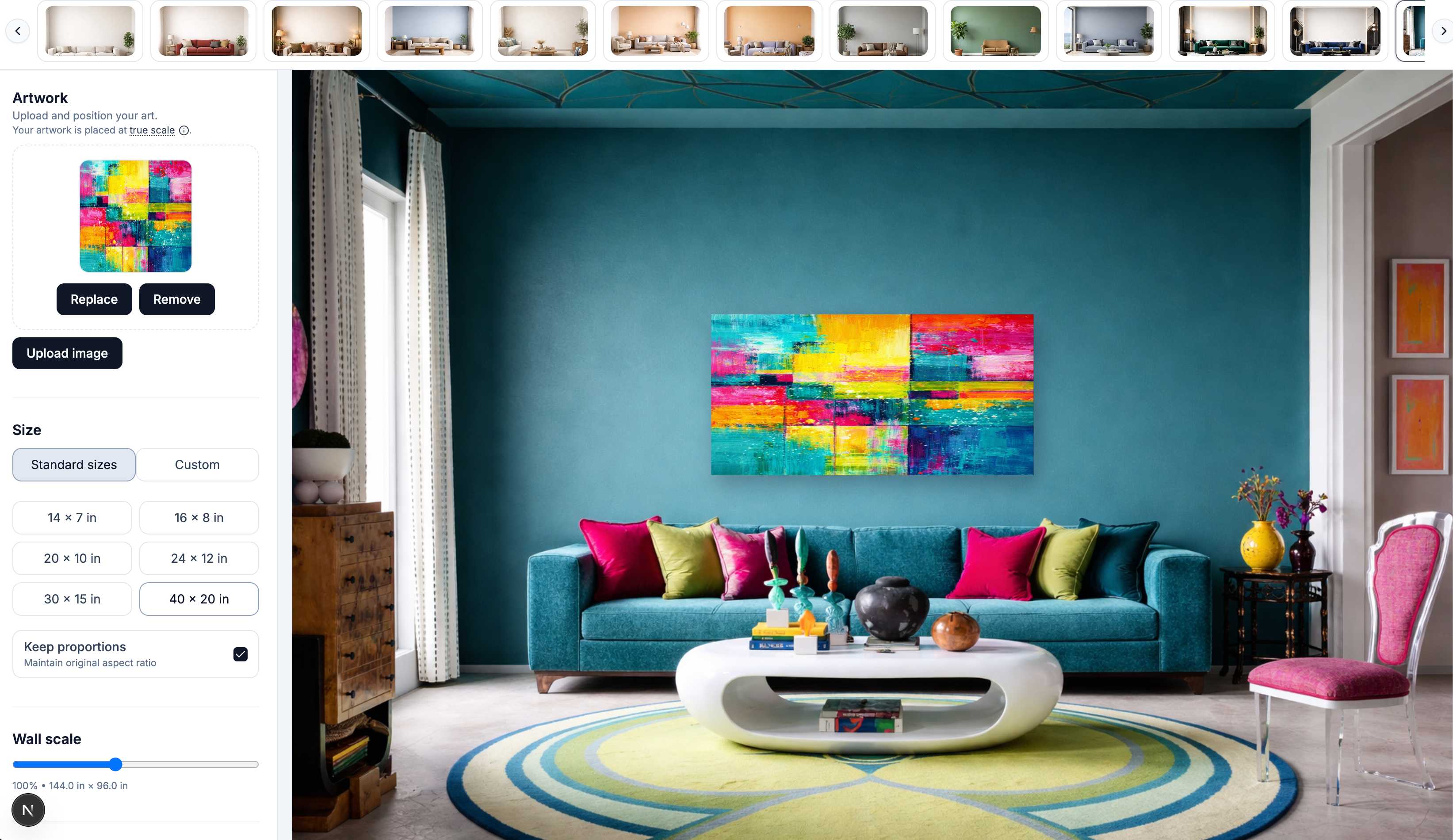
Add your artwork and place it on the wall
Select an image from your computer and see it appear instantly in the room at a realistic default size.
Place your artwork in real rooms with accurate scale, frames, and lighting in under 60 seconds.
Need a whole set from one artwork? See the bulk mockup generator →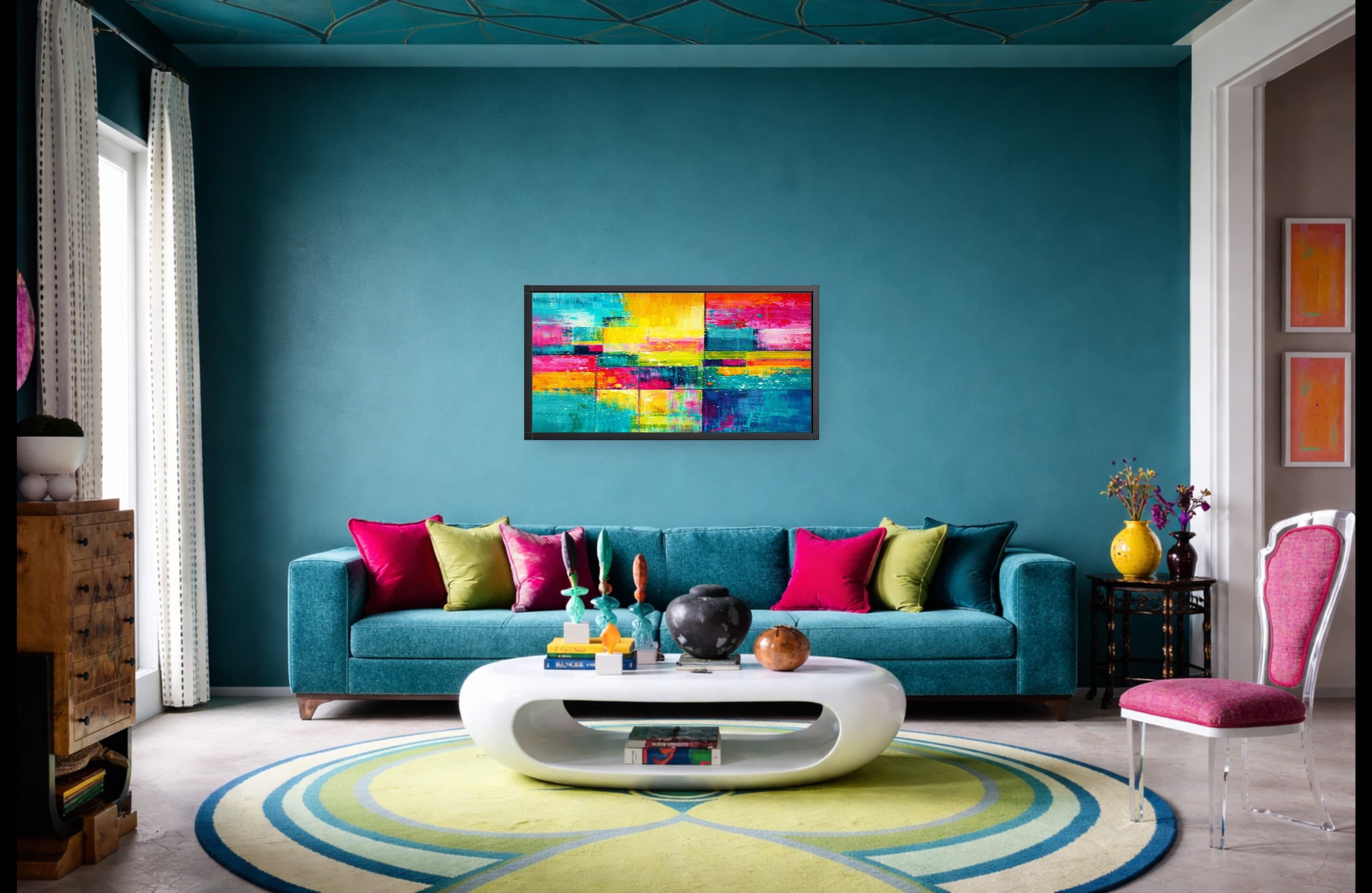
EXAMPLES
Upload your art → place in real rooms → export instantly
A quick walkthrough of the WallMockup editor from upload to export.
HOW IT WORKS
Three clear steps to create accurate wall mockups buyers can trust.
Select an image from your computer and see it appear instantly in the room at a realistic default size.
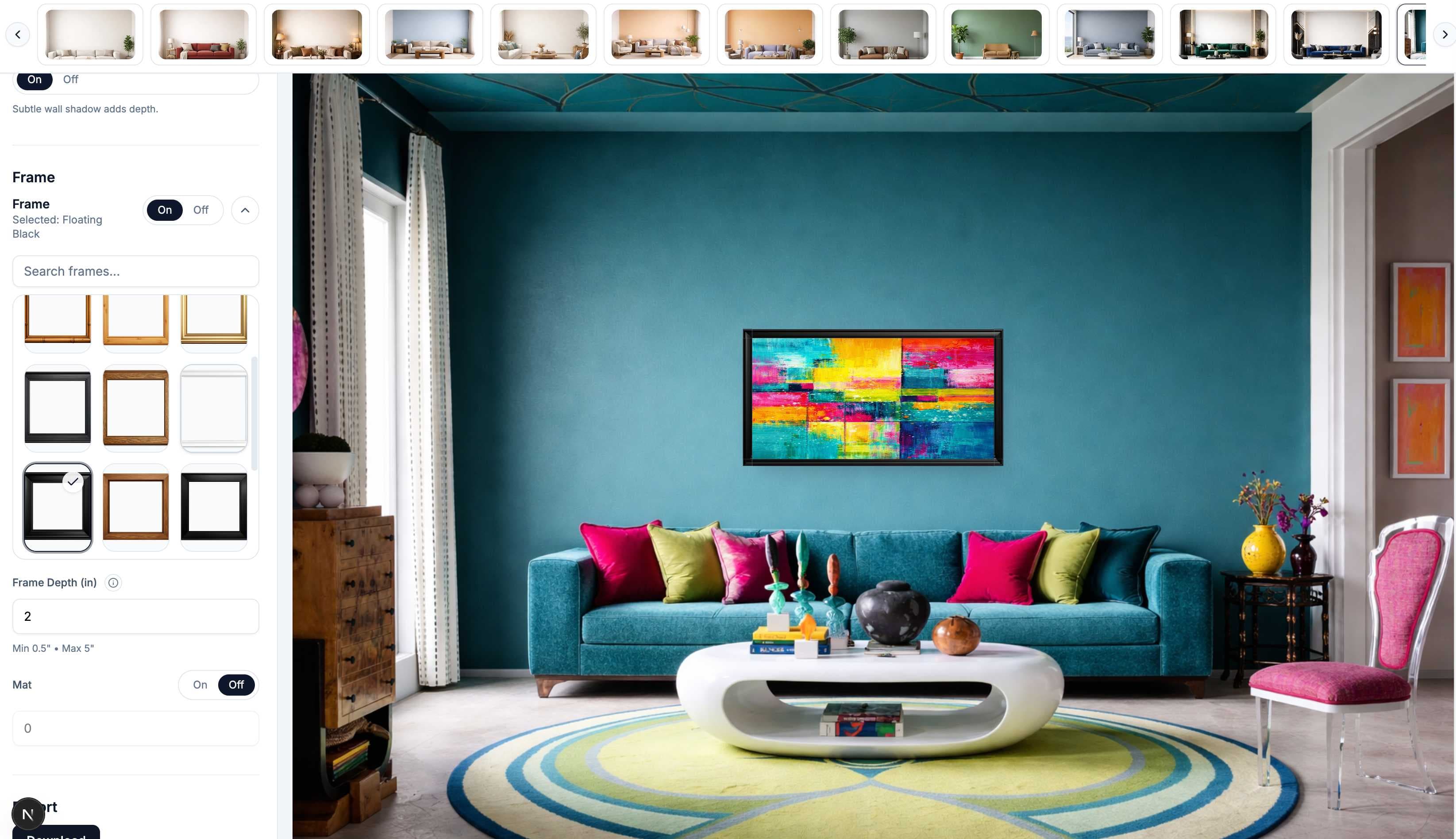
Use the left panel to fine-tune dimensions, choose a frame, and match the preview to your catalog.
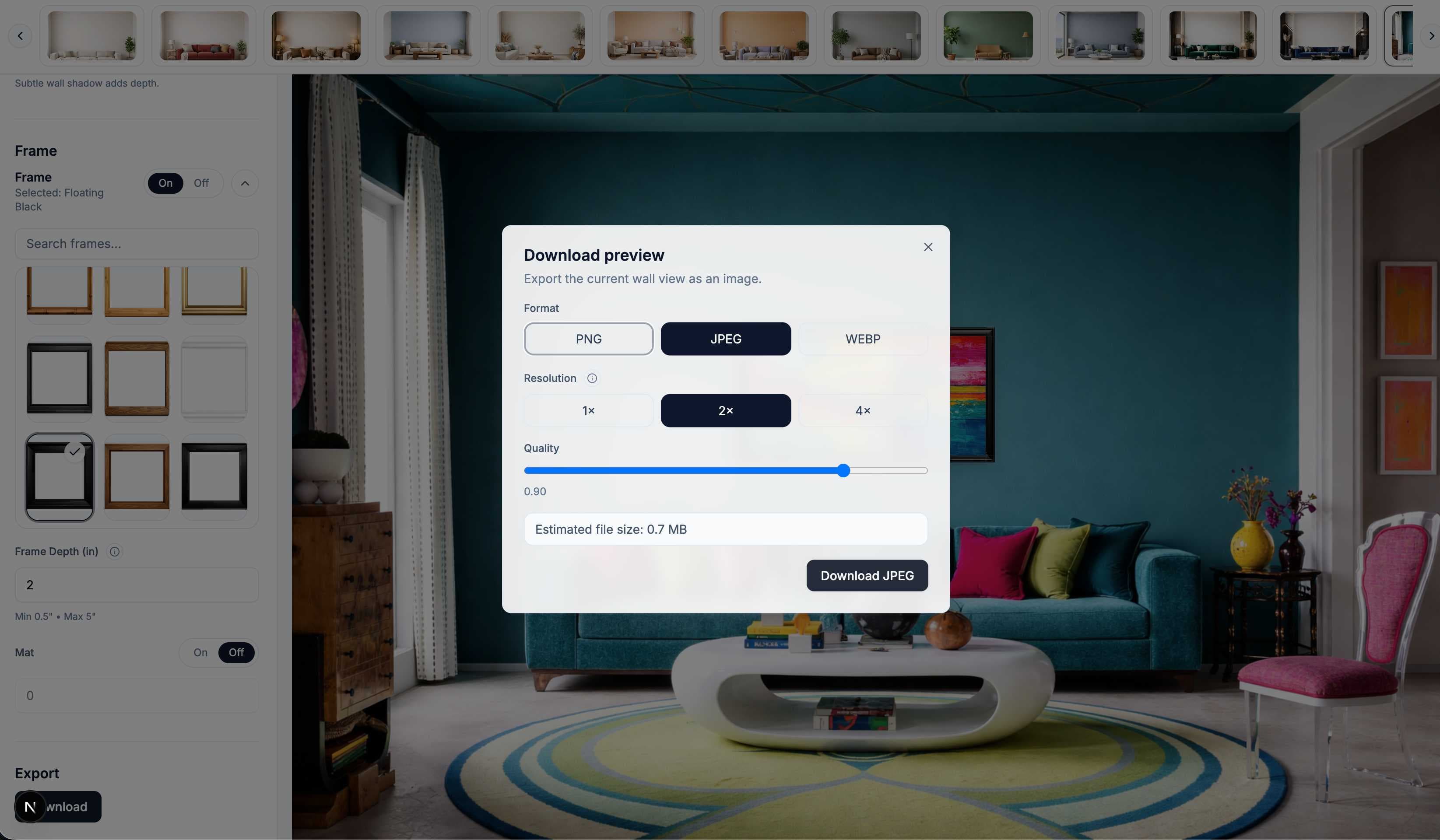
Download a polished preview you can use for product listings, portfolios, client approvals, or social content.
Start creating your first mockup in under a minute
Start freeUSE CASES
WallMockup helps you turn any artwork into realistic room previews in minutes. Create wall art mockups with accurate scale, frames, mats, and lighting so your images feel polished, believable, and ready to share or sell.
Create listing-ready wall art mockups.
Help buyers understand scale, style, and how your artwork fits into a real space.
Present your work in realistic interiors without Photoshop.
Show collectors and clients how your art looks framed on a wall, not just as a flat file.
Generate high-quality art mockups for proposals, commissions, and interior presentations.
Share realistic previews before printing or framing decisions are made.
Plan mixed-frame walls before making a hole.
Calculate a grid, arrange up to 24 pieces at true scale, and export a measured hanging plan.
Whether you need a wall mockup editor for product listings, wall art mockups for your shop, or an art mockup generator for presentations and social content...
WallMockup gives you a simple way to create realistic previews that look professional and feel true to life.
ROOMS & FRAMES
Show your work in believable interiors, compare realistic frame styles, and create polished previews that feel true to life.
Place your artwork in living rooms, bedrooms, hallways, and styled interiors so buyers can understand scale, mood, and how the piece fits a real space.
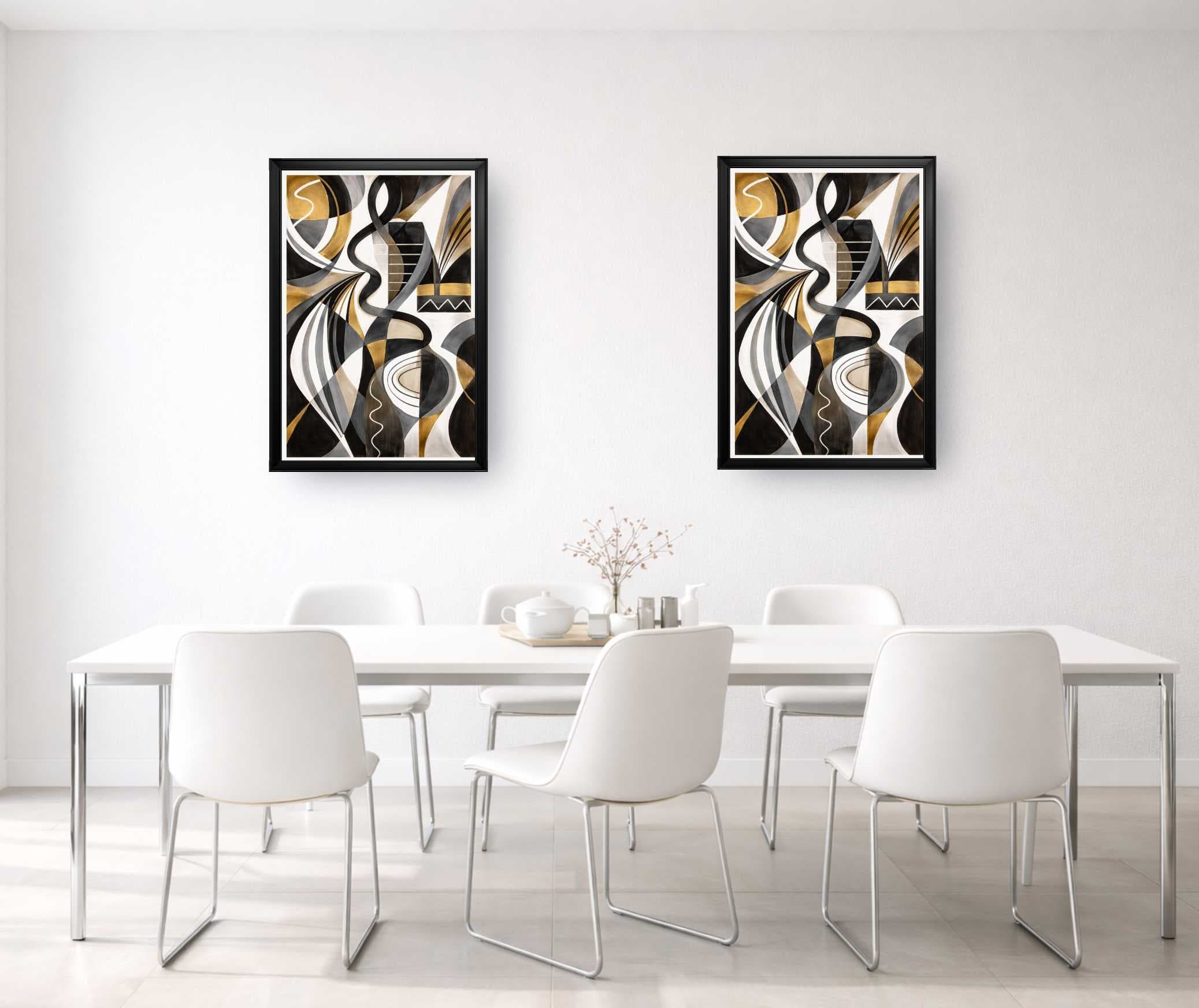
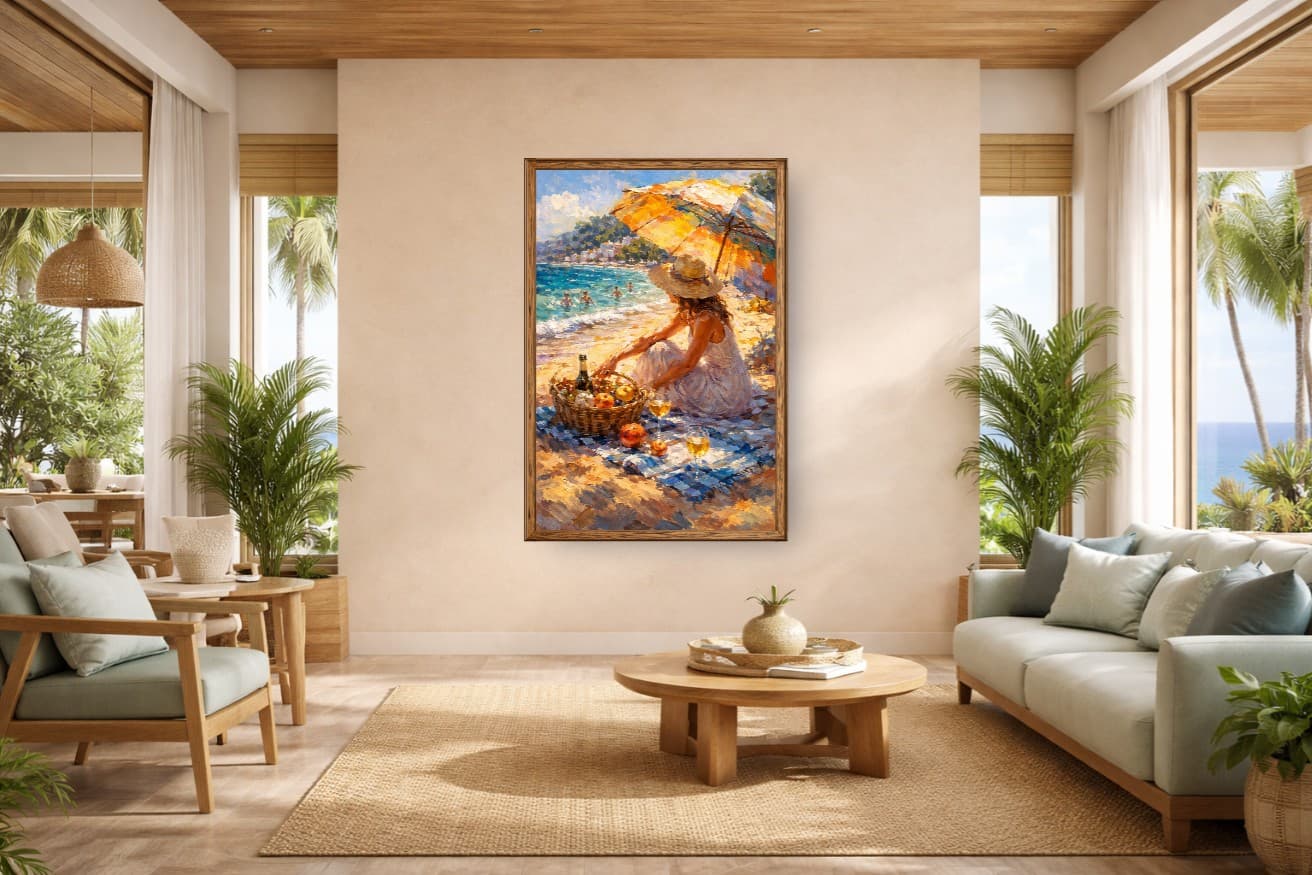
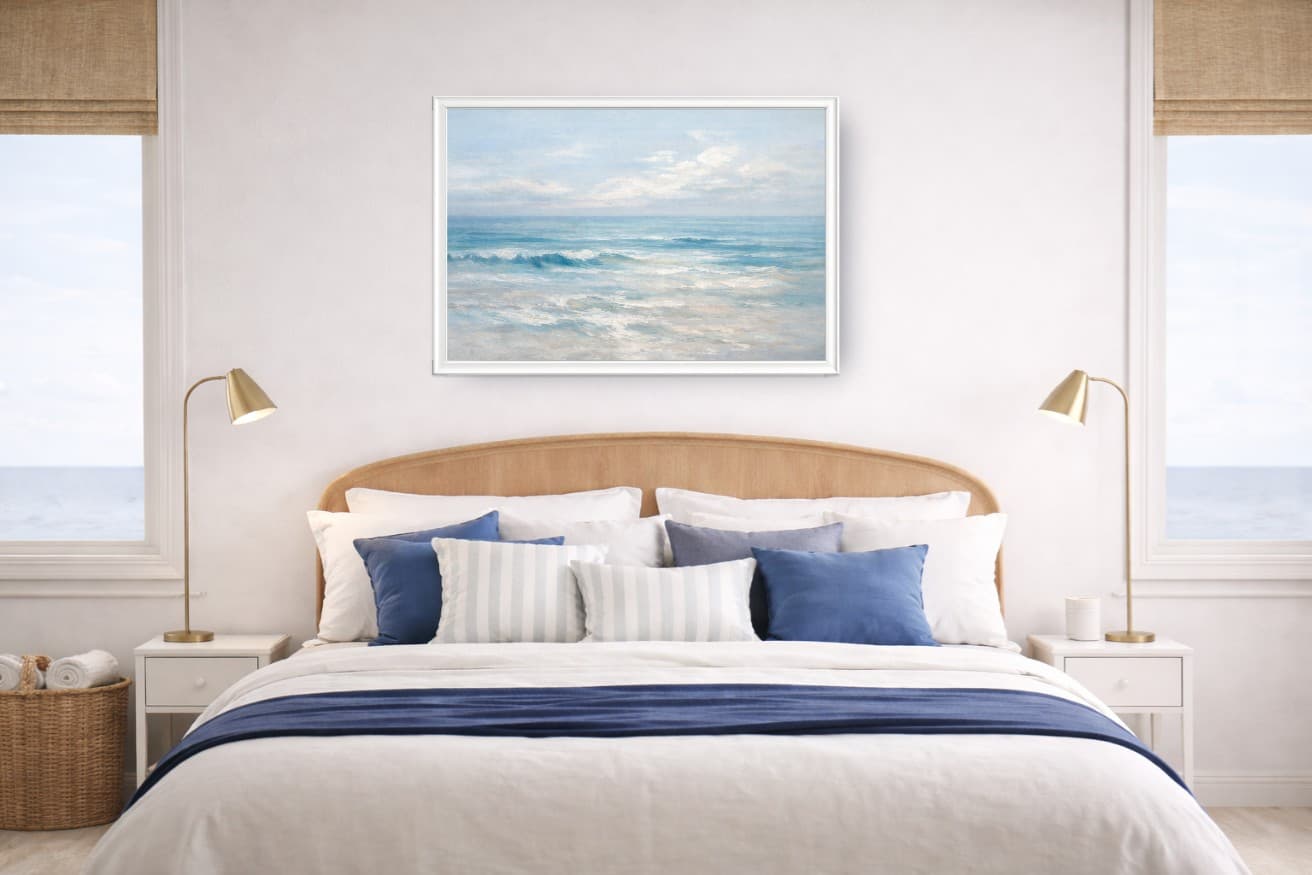
Compare modern, classic, wood, black, and gold frame styles to create previews that match your brand and help buyers commit.
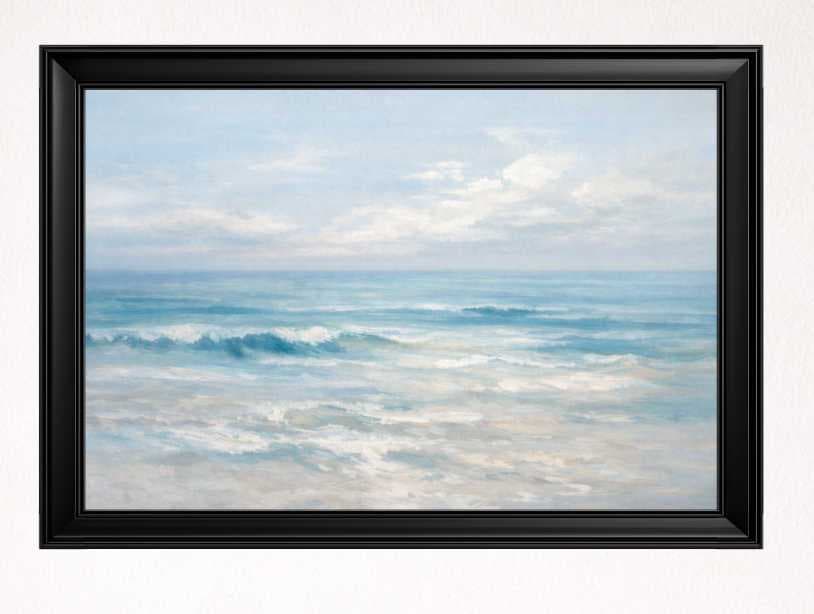
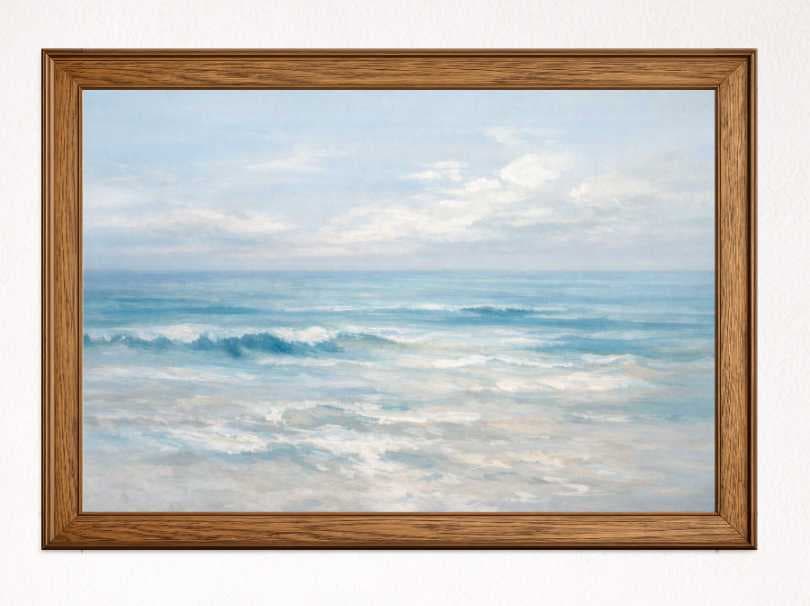
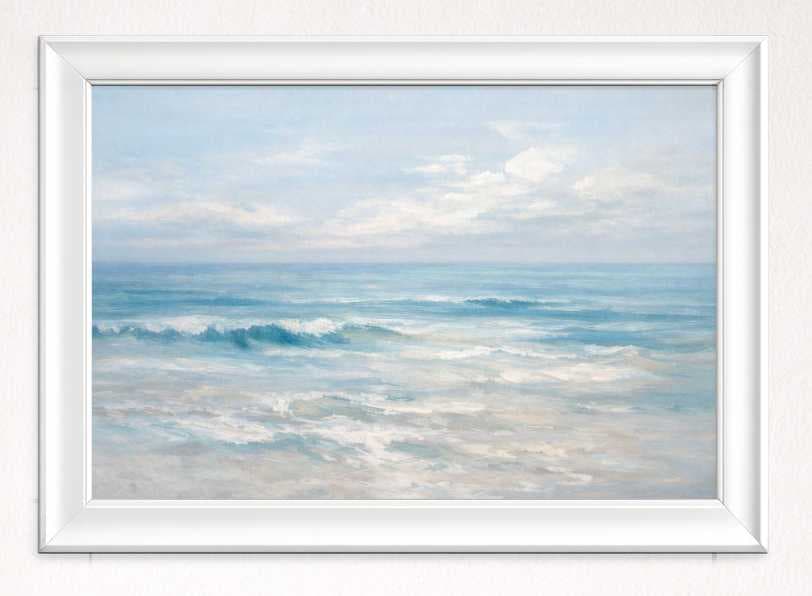
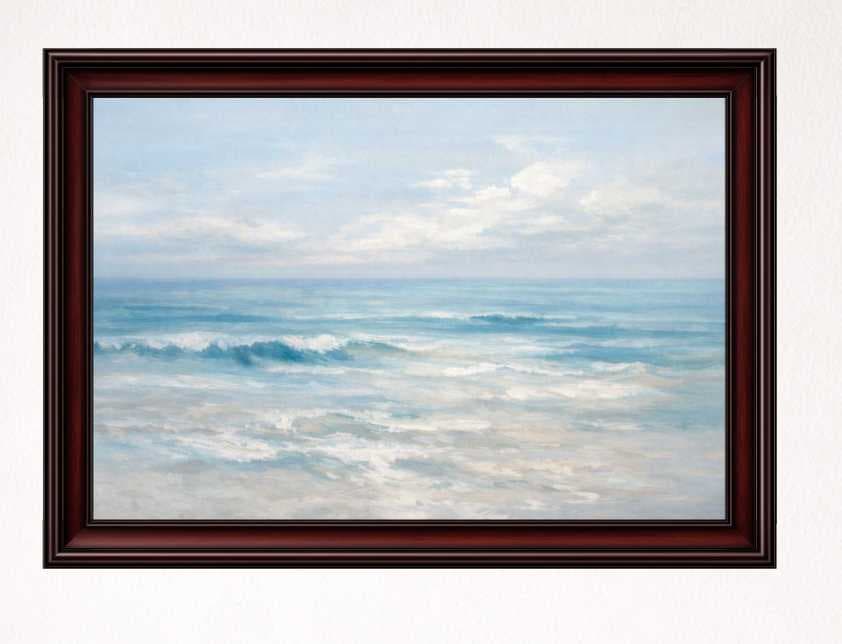
Benefits
Show accurate size in inches and centimeters.
Offer styles that match your catalog.
Walls, lighting, and perspective feel authentic.
Plan and place up to 24 pieces in one room for gallery walls.
Fine-tune shadow angle and depth for realism.
High-res previews for listings and client approvals.
BEFORE & AFTER
Show your art in context so customers understand size instantly.
BEFORE
AFTER
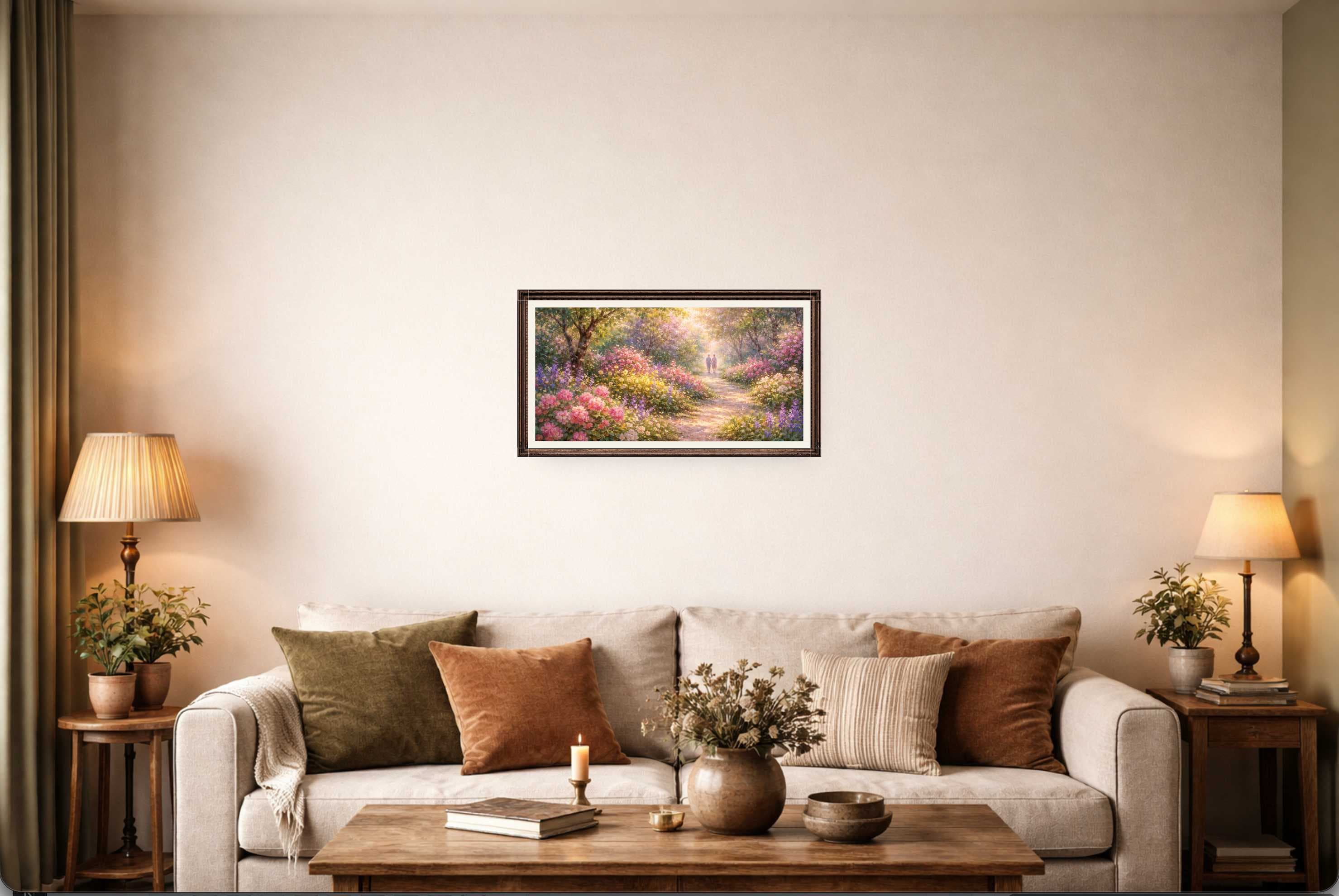
Turn your artwork into a realistic preview in minutes.
Start freeNEW · AI ROOM GENERATOR
Skip the photo shoot. Generate Custom Mockup builds a unique, photographic room around your art — your original artwork stays untouched as a separate layer and is never sent to the AI model.
YOUR ARTWORK

AI-GENERATED ROOM
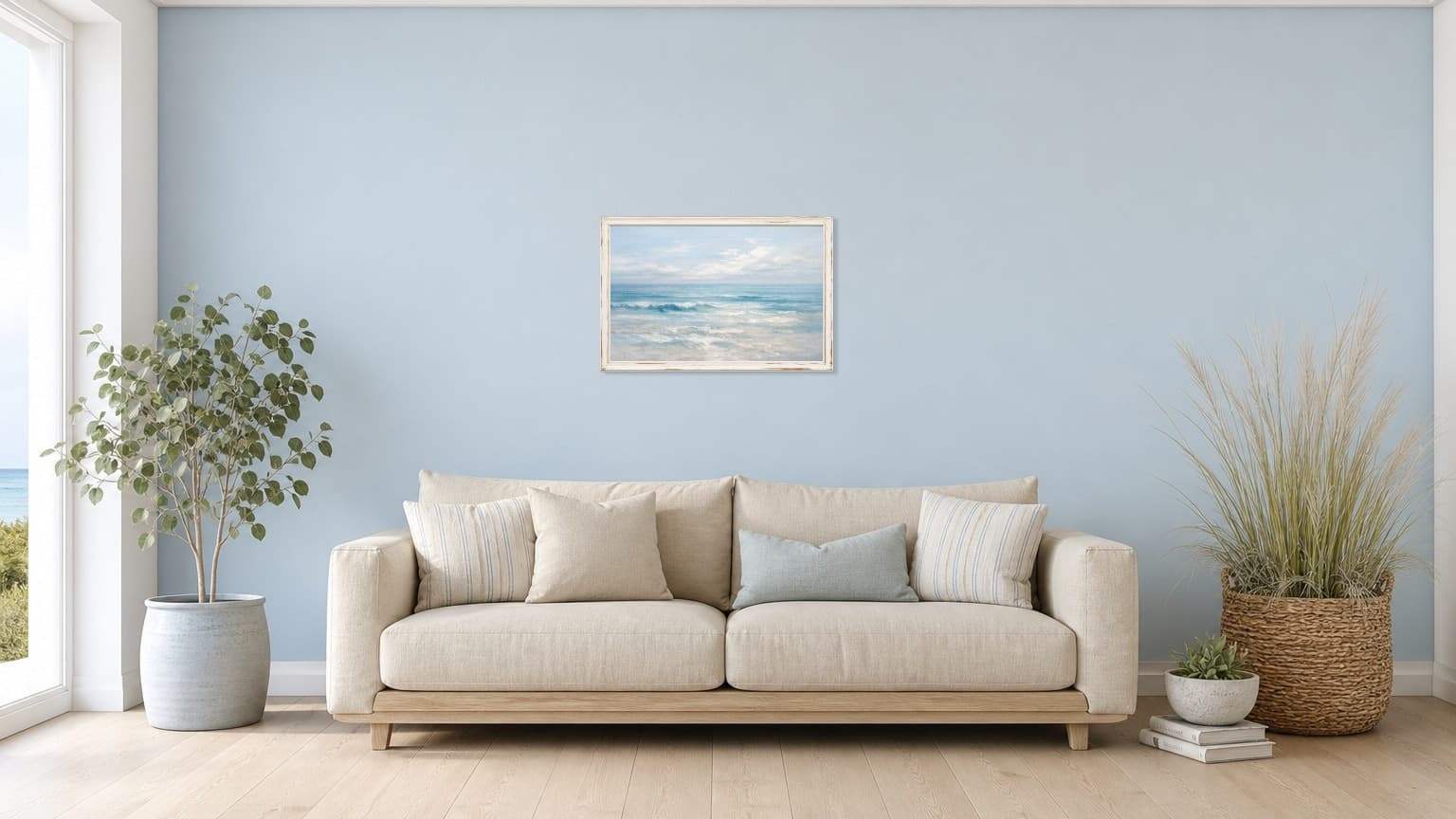
Generate your first AI room from any artwork.
Generate Custom MockupIncluded in Creator pack ($5.99 one-time) and Pro — Monthly ($4.99/mo)
Search intent
WallMockup is a wall mockup editor built for artists, photographers, and print sellers who need realistic room mockups fast. Use it as an art mockup generator for Etsy listings, gallery wall presentations, and client previews.
Create Etsy wall art mockups with true-scale sizing, consistent frames, and room scenes that help buyers understand size instantly.
Place multiple artworks in one room and export a gallery wall mockup for bundles, sets, and coordinated collections.
Explore gallery wall mockupsChoose modern or classic frames, adjust thickness, add mats, and export listing-ready frame mockups.
Generate realistic art mockups without manual Photoshop templates. Upload art, pick a room, and export in minutes.
Swap between living rooms, bedrooms, and hallways while keeping artwork size consistent for reliable comparisons.
Export high-resolution JPG, PNG, or WEBP previews that are ready for listings and client approvals.
Choose a plan that fits the way you sell art. The 7-day trial includes up to 20 exports in any rolling 24-hour window.
Explore the full editor for 7 days, with up to 20 exports in any rolling 24-hour window.
100 flexible credits
100 flexible credits for AI rooms, HD exports, or any mix.
For artists actively creating previews and listings.
Share your honest experience to help other artists, or send feedback directly.
Questions? Write to us at contact@wallmockup.net